What is a VPN and Why Do You Need One?
Understanding Virtual Private Networks.

Zero Logic Space
Cybersecurity & Online Privacy Watch
VPNs & Online Anonymity Explained
SHARE
What is a VPN and Why Do You Need One?
Understanding Virtual Private Networks for Online Privacy and Security
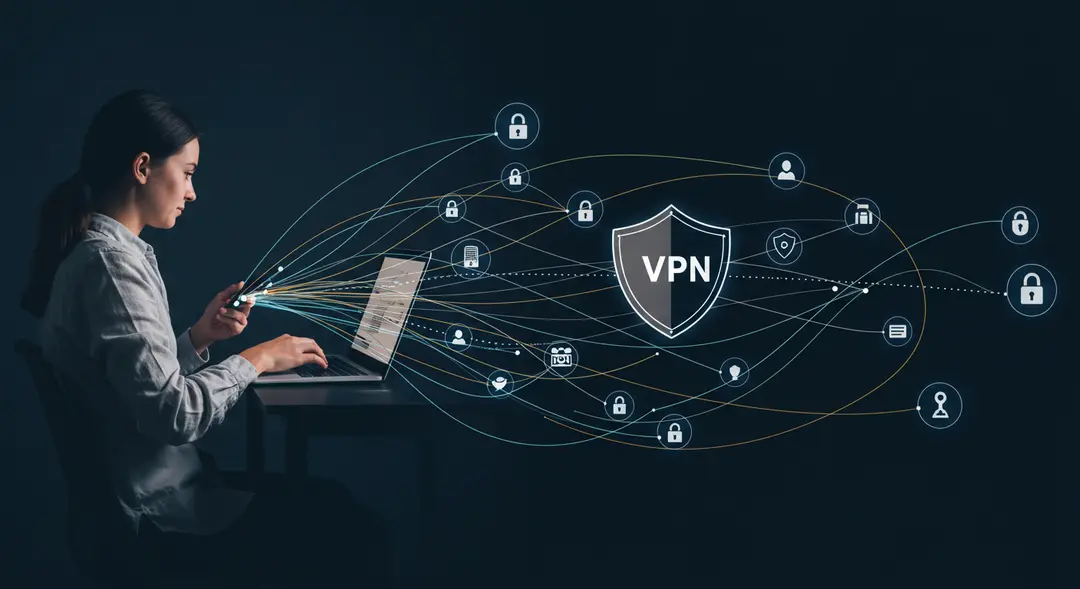
In today's increasingly connected world, our lives are intertwined with the internet. We shop, bank, communicate, and work online, often without giving a second thought to the pathways our data travels. However, the digital realm is not always as private or secure as we might assume. Our online activity can be monitored, our data intercepted, and our access to information restricted. This is where a Virtual Private Network, or VPN, comes into play. Often discussed as a key tool for online privacy and security, understanding what a VPN is and why it's important is crucial for anyone who uses the internet.
Defining a VPN: Your Private Online Tunnel
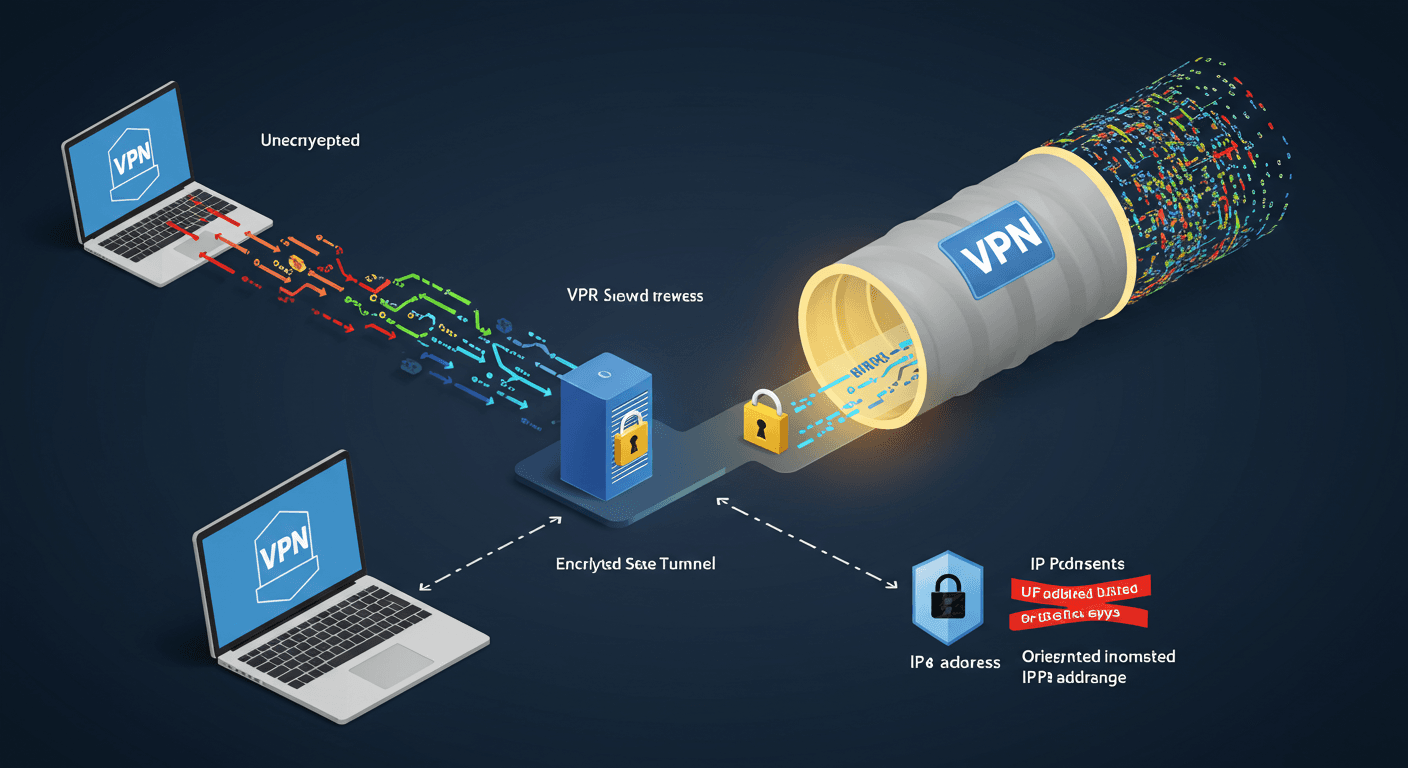
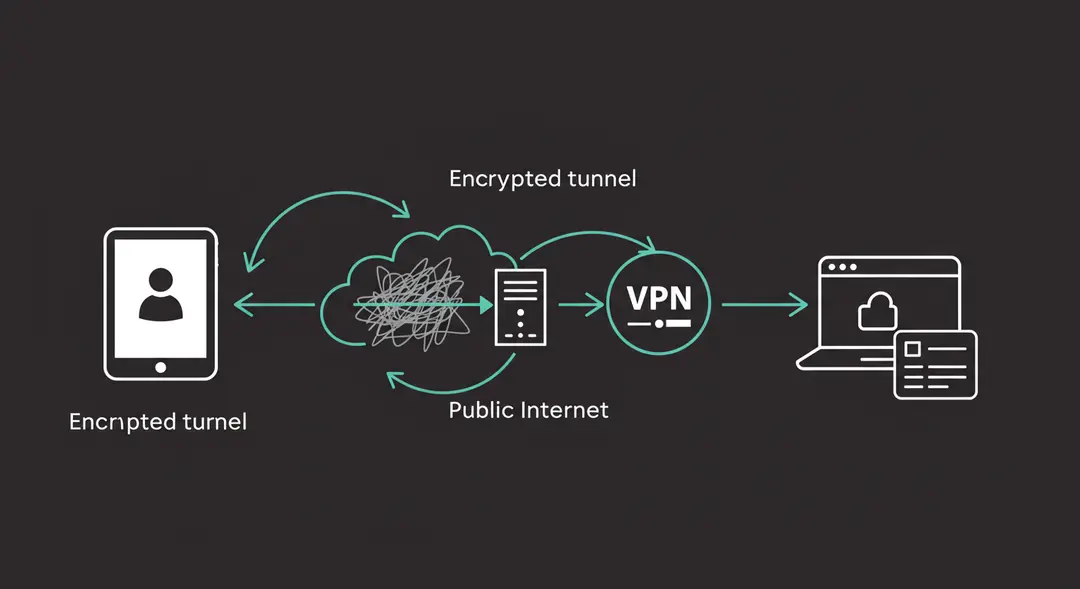
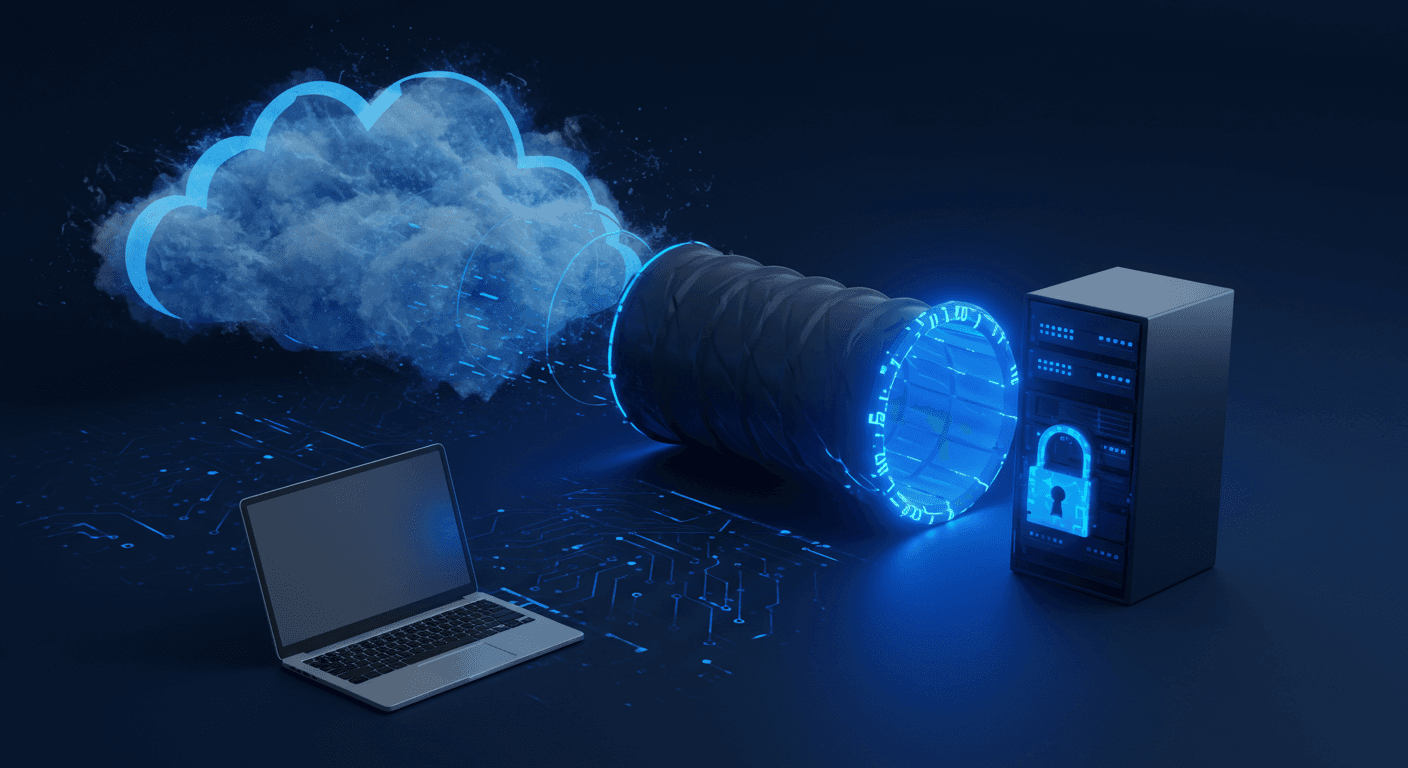
A VPN is a service that creates an encrypted connection, often referred to as a "tunnel," over the internet between your device (like a computer, smartphone, or tablet) and a remote server operated by the VPN provider. Think of it as creating a private, secure pathway through the public internet. Instead of your internet traffic going directly from your device to the websites or services you access, it first travels through this encrypted tunnel to the VPN server.
This server then forwards your request to the internet, and the response is routed back through the secure tunnel to your device. This fundamental process forms the basis of how a VPN enhances your online privacy and security.
How a VPN Works: Encryption and IP Masking
The magic of a VPN lies in two key technical processes: tunneling and encryption.
Tunneling: When you connect to a VPN, your internet traffic is encapsulated within new data packets. These packets are then sent through a secure "tunnel" to the VPN server. This tunnel prevents external observers, such as your Internet Service Provider (ISP) or anyone else on the same network (like public Wi-Fi), from seeing the content of your online activity.
Encryption: Before your data enters the tunnel, it is encrypted. This means the data is scrambled into an unreadable format using complex algorithms. Even if someone were to intercept the data packets traveling through the tunnel, they wouldn't be able to decipher the information within them without the decryption key, which only your device and the VPN server possess.
IP Address Masking: When your internet traffic exits the VPN server to reach its final destination (a website, online service, etc.), it appears to originate from the VPN server's IP address, not your actual IP address. This effectively masks your real location and identity from the websites and services you visit.
Why Use a VPN? Privacy and Anonymity
In an era of pervasive online tracking and data collection, privacy is a major concern. Here's how a VPN helps:
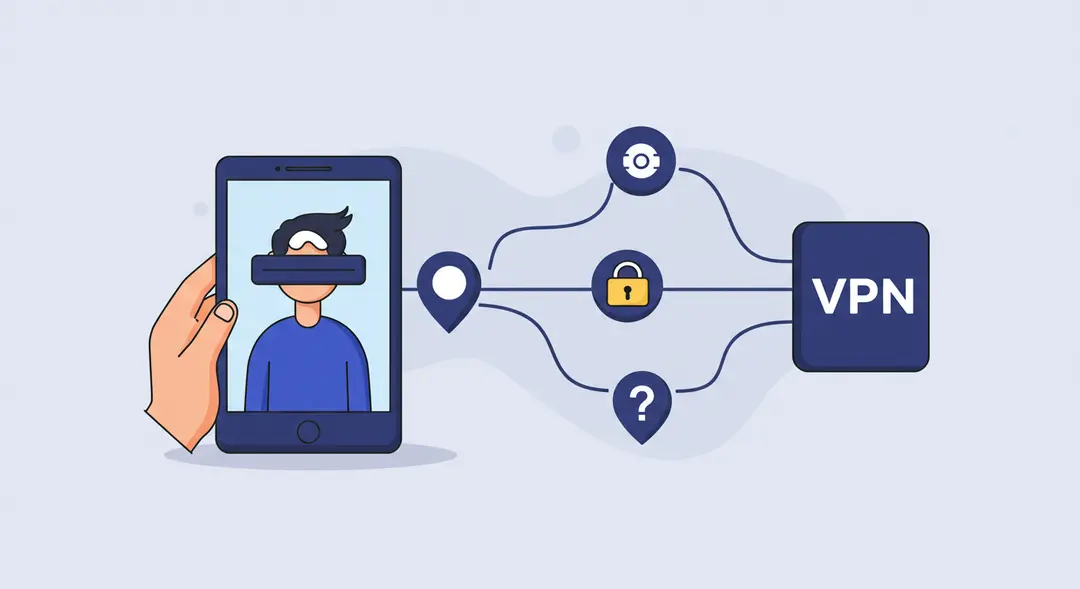
Hiding Your IP Address: By masking your real IP address, a VPN makes it much harder for websites, advertisers, and other third parties to track your online activity back to your specific location and identity.
Preventing ISP Surveillance: Without a VPN, your ISP can see every website you visit and every online service you use. While they may not actively monitor you, this data can potentially be logged, analyzed, or even sold. A VPN encrypts your traffic, making it unreadable to your ISP.
Enhanced Anonymity: While not a guarantee of complete anonymity, a VPN significantly increases your online privacy by obscuring your real identity and location from the sites you visit.
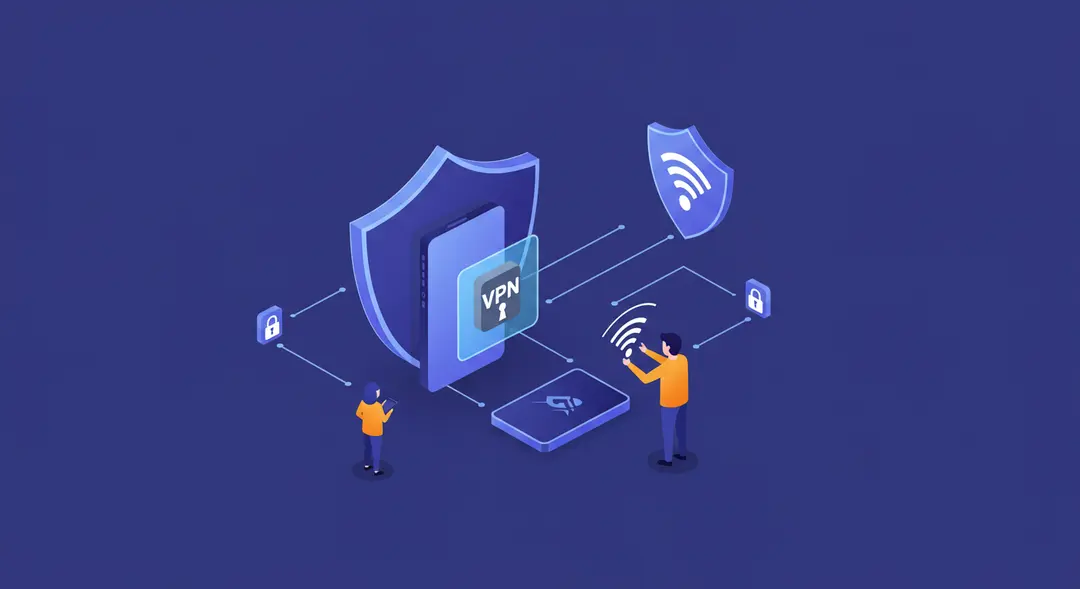
Why Use a VPN? Security and Protection
VPNs provide a crucial layer of security, especially when using untrusted networks:
Secure Public Wi-Fi: Public Wi-Fi hotspots (in cafes, airports, hotels, etc.) are often unsecured and vulnerable to attacks like "man-in-the-middle" attacks, where cybercriminals can intercept data transmitted over the network. A VPN encrypts your connection, making your data safe from prying eyes on these networks.
Protection Against Hackers: By encrypting your internet traffic, a VPN makes it extremely difficult for hackers to intercept and steal sensitive information, such as passwords, credit card details, or personal data, as it travels between your device and the internet.
circumventing Censorship: In some regions, governments or organizations restrict access to certain websites, social media platforms, or online services. By connecting to a VPN server in a different country, you can bypass these geographical restrictions and access the internet freely.
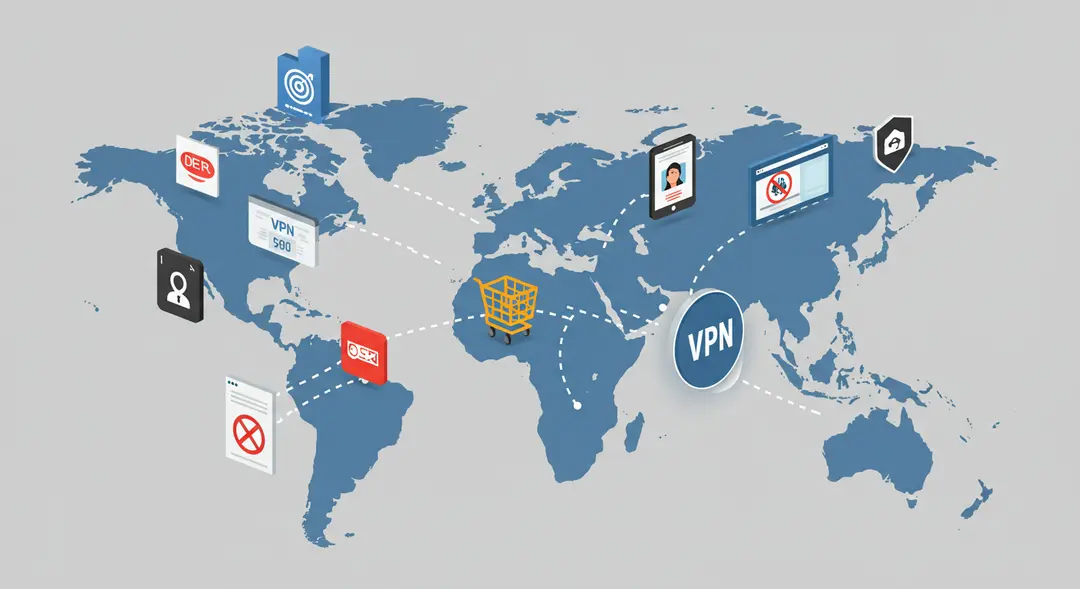
Why Use a VPN? Accessing Geo-Restricted Content and More
Beyond privacy and security, VPNs offer practical benefits:
Accessing Geo-Restricted Content: Many streaming services, websites, and online content libraries offer different content based on your geographical location due to licensing agreements. A VPN allows you to connect to a server in a different country, making it appear as though you are Browse from that location, thus potentially unlocking access to geo-restricted content.
Avoiding Price Discrimination: Some online retailers and services display different prices to users based on their location. By using a VPN to connect to servers in different countries, you might be able to find lower prices for flights, hotels, software, or other goods and services.
Secure Remote Work: Many companies use VPNs to provide remote employees with secure access to the company's internal network and resources, ensuring that sensitive corporate data remains protected even when accessed from outside the office.
Conclusion
In an age where our digital footprint is constantly expanding, protecting our online privacy and security is more important than ever. A VPN is a powerful and versatile tool that provides a crucial layer of defense by encrypting your internet connection, masking your IP address, and routing your traffic through a secure server. Whether you're concerned about government surveillance, protecting your data on public Wi-Fi, preventing online tracking by advertisers, or simply want to access content without geographical restrictions, a VPN offers significant benefits. While not a silver bullet for all online threats, incorporating a reputable VPN into your digital routine is a vital step towards a safer, more private, and more open internet experience. Are you currently using a VPN, or considering getting one?
Leave a Comment
Your email address will not be published.
4 Comments
Williams Thompson
May 3, 2025
Drones are getting so smart these days, I'm starting to feel like mine’s judging my driving from the sky. On a serious note though, amazing to see how far drone tech has come. Next stop: drone pizza delivery, I hope!
Williams Thompson
May 3, 2025
Drones are getting so smart these days, I'm starting to feel like mine’s judging my driving from the sky. On a serious note though, amazing to see how far drone tech has come. Next stop: drone pizza delivery, I hope!
Williams Thompson
May 3, 2025
Drones are getting so smart these days, I'm starting to feel like mine’s judging my driving from the sky. On a serious note though, amazing to see how far drone tech has come. Next stop: drone pizza delivery, I hope!
Williams Thompson
May 3, 2025
Drones are getting so smart these days, I'm starting to feel like mine’s judging my driving from the sky. On a serious note though, amazing to see how far drone tech has come. Next stop: drone pizza delivery, I hope!
Explore More Categories
Explore More Sub-Categories