Creating Strong, Unbreakable Passwords
Tips for making secure passwords.C

Zero Logic Space
Cybersecurity & Online Privacy Watch
Password Security & Management Tips
SHARE
Creating Strong, Unbreakable Passwords
Your First Line of Defense in Digital Security
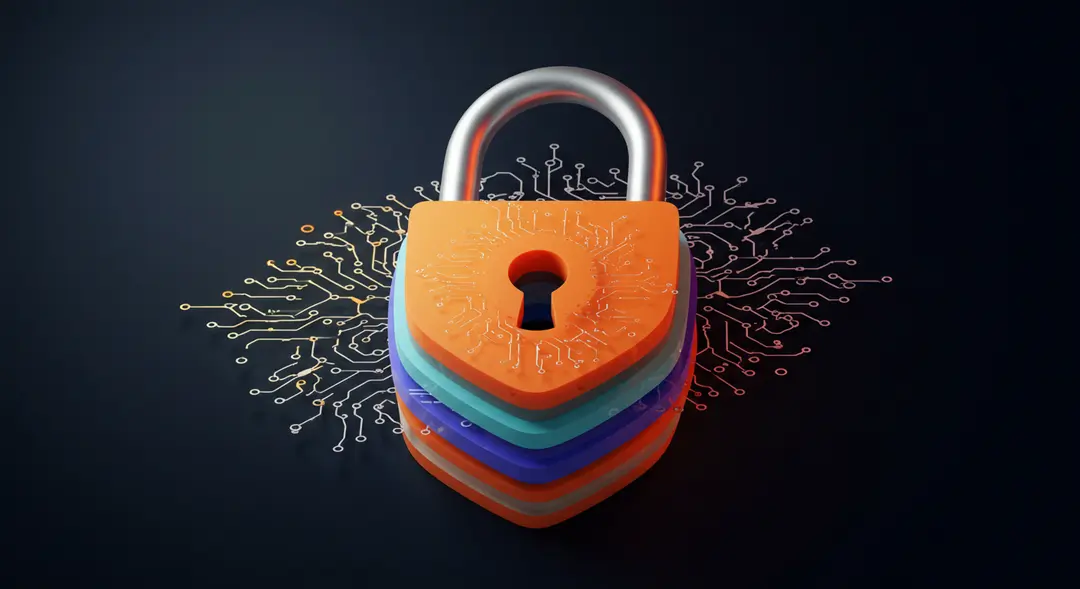
In our increasingly digital lives, passwords serve as the primary barrier between our personal information, online accounts, and the potential threats that exist in cyberspace. From email and social media to online banking and work systems, nearly every aspect of our digital presence is protected by a password. Yet, despite their critical importance, many people still rely on weak, easily guessable passwords, leaving themselves vulnerable to cyberattacks. Creating strong, truly "unbreakable" passwords (or at least passwords that are extremely difficult to crack) is fundamental to good cybersecurity hygiene. This post will delve into why password strength matters, how weak passwords are exploited, and practical strategies for creating and managing robust passwords that can significantly enhance your digital security.
The Crucial Importance of Strong Passwords
Think of your passwords as the keys to your digital kingdom. If those keys are flimsy or easily duplicated, you're essentially leaving the door wide open for cybercriminals. A weak password can be the single point of failure that allows an attacker to gain unauthorized access to your sensitive emails, financial accounts, personal photos, and more.
Once an attacker compromises one account, they can often use that access to target other linked accounts or even steal your identity. Furthermore, if you reuse the same weak password across multiple services (a surprisingly common practice), a breach on one low-security site can instantly compromise your accounts on highly sensitive platforms like banking or email. Investing time and effort in creating strong, unique passwords is one of the most effective steps you can take to protect your digital life.
How Passwords Get Cracked: Understanding the Attacks
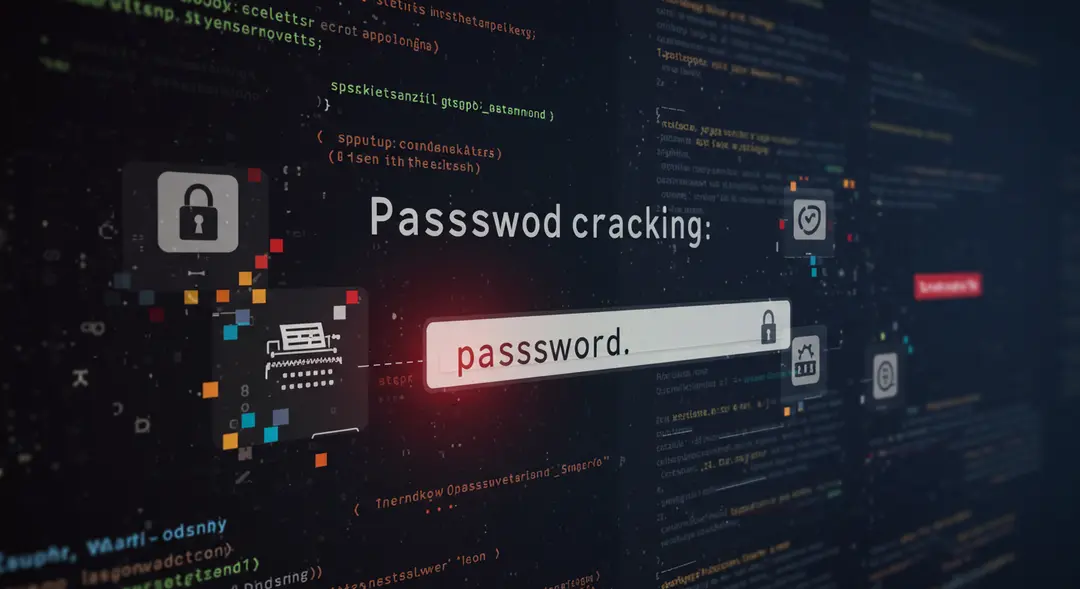
Cybercriminals employ various techniques to guess or crack weak passwords. Understanding these methods highlights why simple or common passwords are so dangerous:
Dictionary Attacks: Attackers use automated tools that attempt to log in by trying words and phrases from a dictionary, as well as common passwords and variations (like adding numbers or symbols). If your password is a single word or a simple combination found in such lists, it can be cracked very quickly.
Brute Force Attacks: This method involves systematically trying every possible combination of characters (letters, numbers, symbols) until the correct password is found. While theoretically capable of cracking any password, brute-force attacks require significant computational power and time. The longer and more complex a password is, the exponentially longer a brute-force attack would take, making it impractical for strong passwords.
Credential Stuffing: Attackers use lists of username and password combinations leaked from data breaches on one website and automatically try those combinations on many other popular websites. If you reuse passwords, a single leaked password can grant access to multiple accounts.
Phishing and Social Engineering: Attackers may try to trick you into revealing your password through deceptive emails, fake websites, or other social engineering tactics.
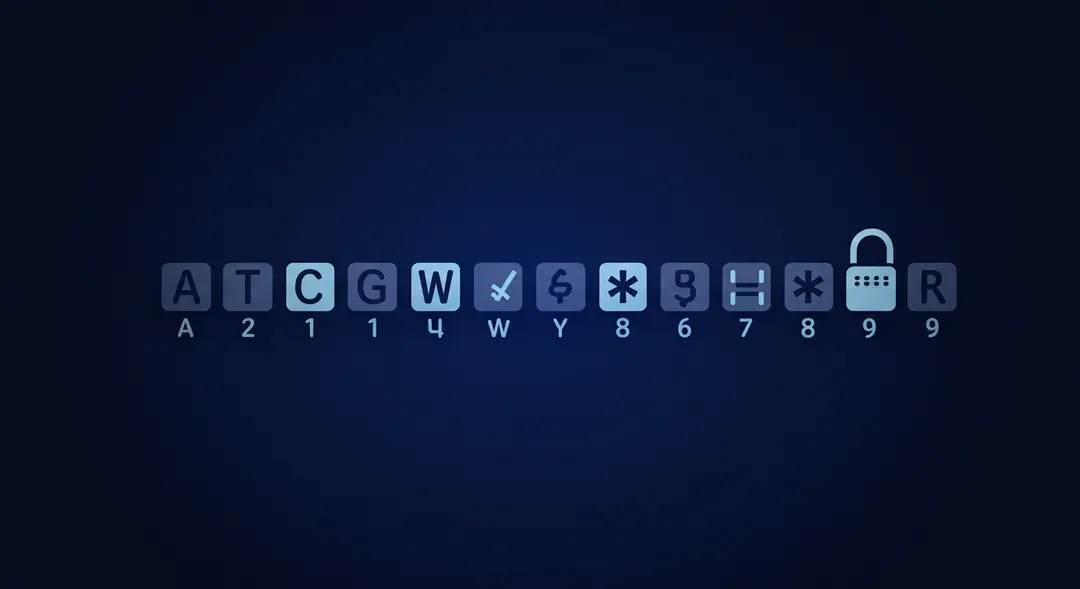
Strategies for Creating Truly Strong Passwords
So, what makes a password strong enough to resist these attacks? It comes down to several key factors:
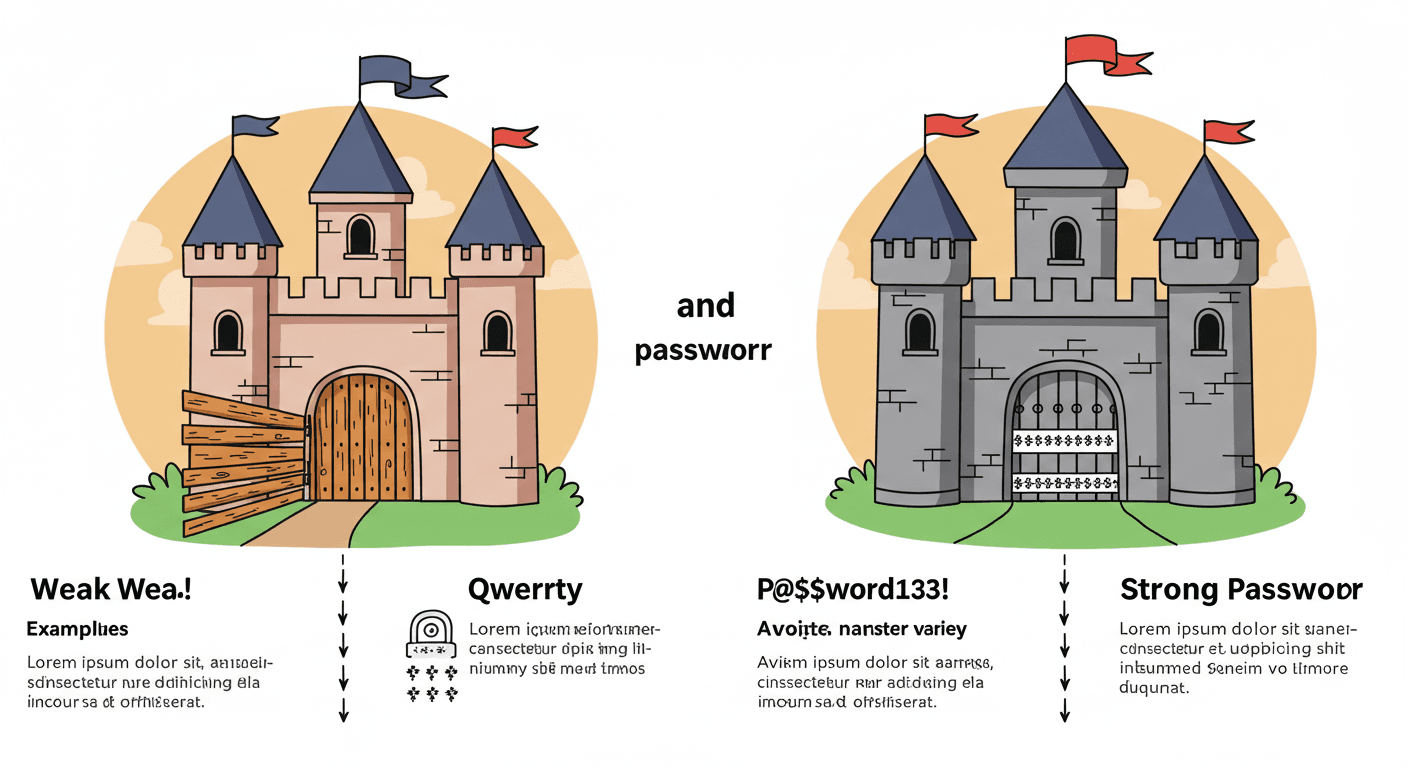
Length: This is one of the most important factors. Aim for passwords that are at least 12 characters long, preferably more. Longer passwords significantly increase the number of possible combinations, making brute-force attacks far less feasible.
Complexity: A strong password should include a mix of uppercase letters, lowercase letters, numbers, and symbols. Avoid predictable patterns or substitutions (like using '1' for 'i' or '@' for 'a' in common words).
Uniqueness: Never reuse passwords across different online accounts. If one service is compromised, your other accounts remain safe. This is arguably as important as complexity and length.
Avoid Personal Information: Do not use easily guessable information like your name, birthdate, pet's name, family members' names, or common words. Attackers can often find this information through social media or other publicly available sources.
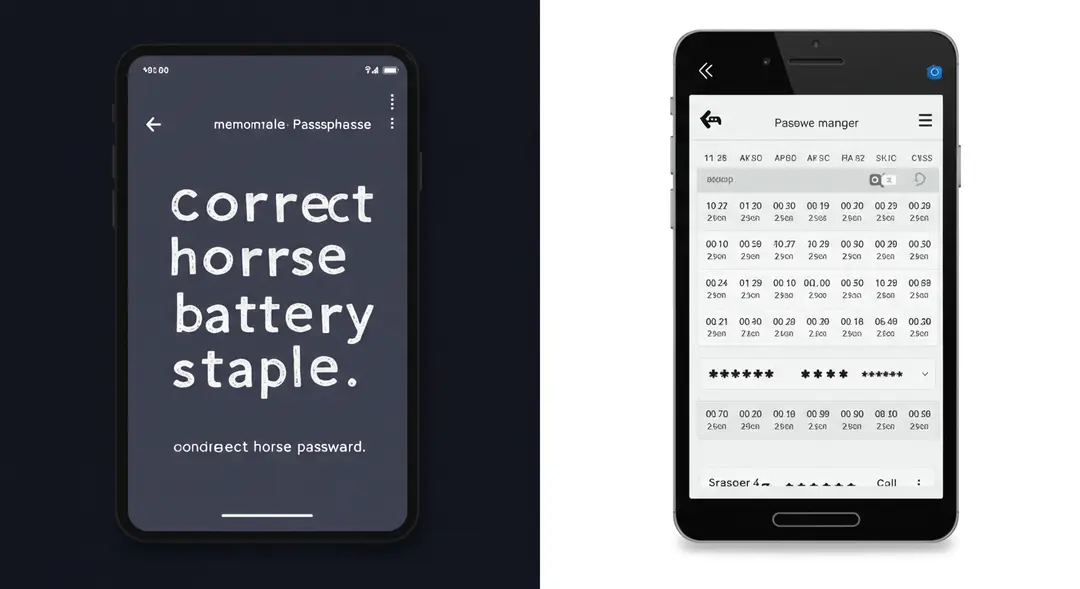
Beyond Simple Passwords: Passphrases and Password Managers
Remembering a unique, complex 12+ character password for every online account can be challenging. This is where alternative strategies and tools become invaluable:
Passphrases: Instead of a single word or short string, use a passphrase – a sequence of several random, unrelated words (e.g., "correct horse battery staple"). Passphrases are much longer than traditional passwords, making them highly resistant to brute-force attacks, yet they can be easier to remember than a random string of characters. Adding numbers, symbols, or variations to a passphrase can further enhance its strength.
Password Managers: A password manager is an application that securely stores all your login credentials in an encrypted vault, protected by a single, strong master password. Password managers can generate complex, unique passwords for each of your accounts, autofill login forms, and often alert you if any of your stored passwords have been compromised in data breaches. This allows you to use incredibly strong, unique passwords for every service without having to remember them all.
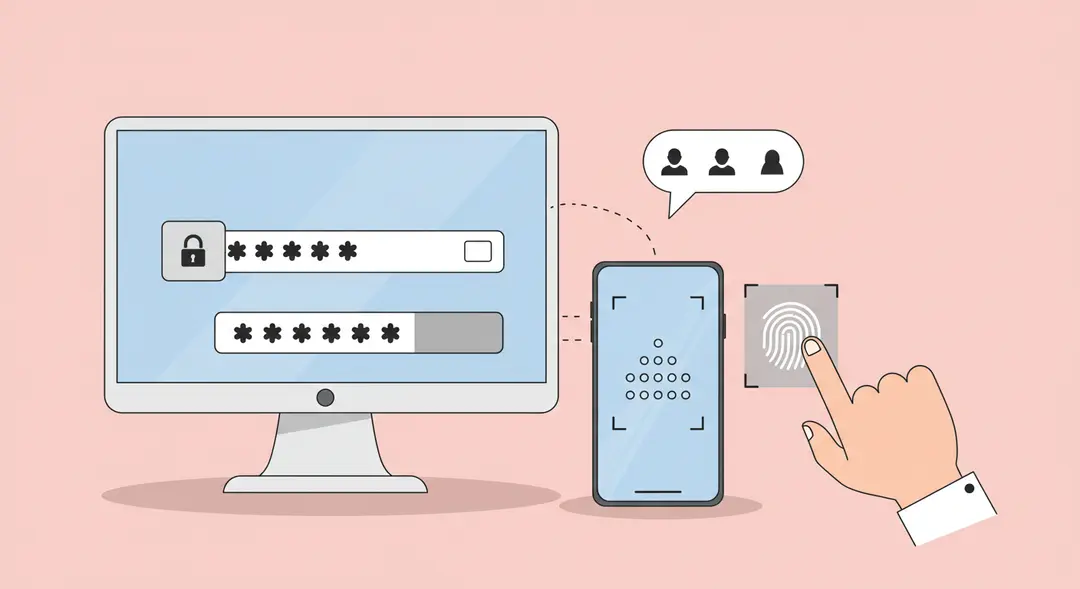
Layered Security: The Power of Multi-Factor Authentication
Even the strongest password isn't foolproof. Data breaches can happen, and sophisticated phishing attacks can sometimes trick even cautious users. This is why multi-factor authentication (MFA) is a critical layer of defense.
MFA requires you to provide two or more different factors to verify your identity when logging in. These factors typically fall into three categories:
Something you know: Your password.
Something you have: A physical token, your smartphone (to receive a code or approve a push notification), or a security key.
Something you are: A biometric identifier like a fingerprint or facial scan.
By requiring a second factor in addition to your password, MFA makes it vastly more difficult for attackers to access your account, even if they manage to obtain your password. Enable MFA on every account that offers it, especially for sensitive services like email and banking.
Conclusion
Your passwords are the foundation of your online security. Relying on weak or reused passwords is a significant risk that can lead to compromised accounts, data theft, and identity fraud. By understanding how passwords are cracked and adopting strategies for creating long, complex, and unique passwords or passphrases, you can dramatically strengthen your digital defenses. Furthermore, leveraging password managers to securely store and manage your credentials and enabling multi-factor authentication wherever possible adds essential layers of protection. Take the time today to review and strengthen your passwords – it's one of the most impactful steps you can take to safeguard your digital life against ever-evolving cyber threats. How strong are your passwords?
Leave a Comment
Your email address will not be published.
4 Comments
Williams Thompson
May 3, 2025
Drones are getting so smart these days, I'm starting to feel like mine’s judging my driving from the sky. On a serious note though, amazing to see how far drone tech has come. Next stop: drone pizza delivery, I hope!
Williams Thompson
May 3, 2025
Drones are getting so smart these days, I'm starting to feel like mine’s judging my driving from the sky. On a serious note though, amazing to see how far drone tech has come. Next stop: drone pizza delivery, I hope!
Williams Thompson
May 3, 2025
Drones are getting so smart these days, I'm starting to feel like mine’s judging my driving from the sky. On a serious note though, amazing to see how far drone tech has come. Next stop: drone pizza delivery, I hope!
Williams Thompson
May 3, 2025
Drones are getting so smart these days, I'm starting to feel like mine’s judging my driving from the sky. On a serious note though, amazing to see how far drone tech has come. Next stop: drone pizza delivery, I hope!
Explore More Categories
Explore More Sub-Categories