Must-Have Mobile Apps for College Students
Essential apps for studying, organizing, and saving money.

Zero Logic Space
Software & Development Central
Mobile App Reviews & Recommendations (iOS & Android)
SHARE
Must-Have Mobile Apps for College Students
Your Essential Digital Toolkit for Academic Success
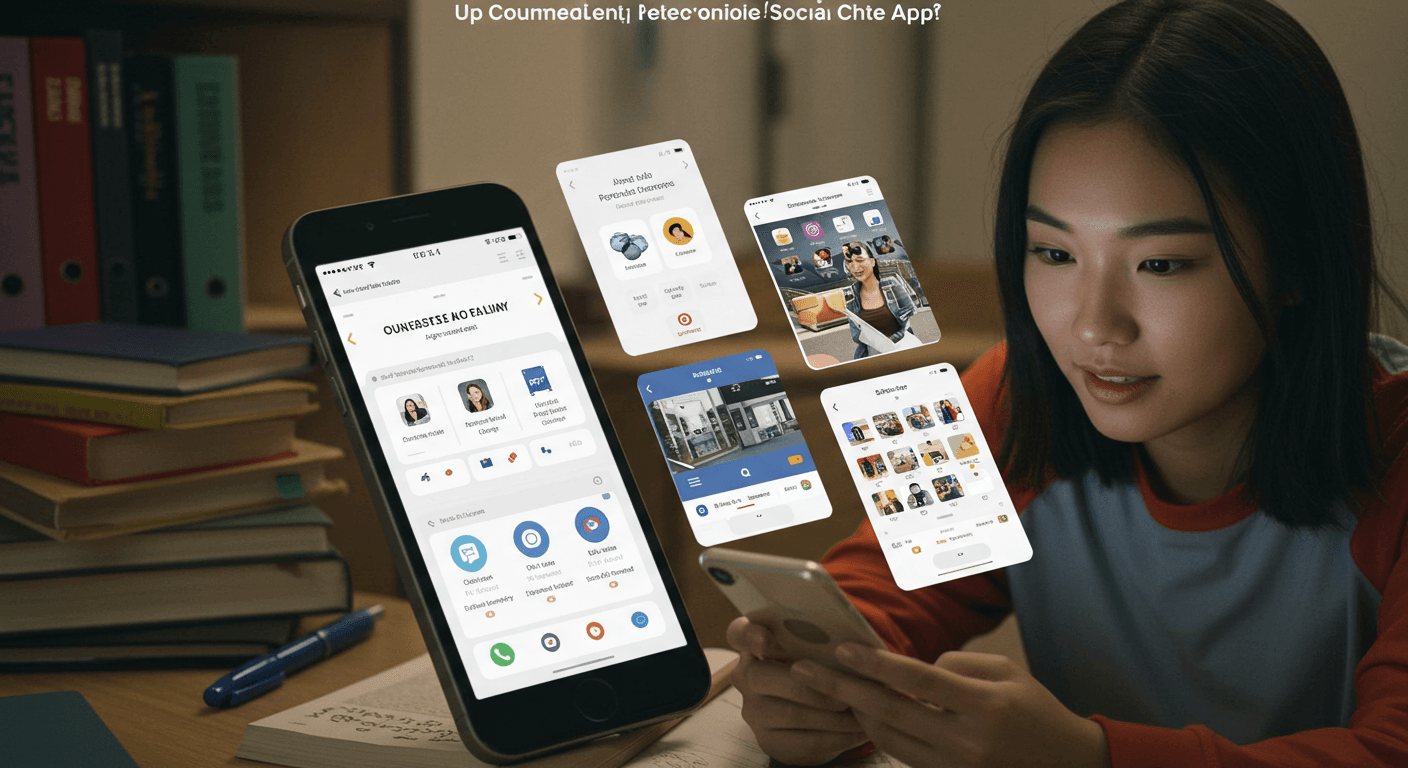
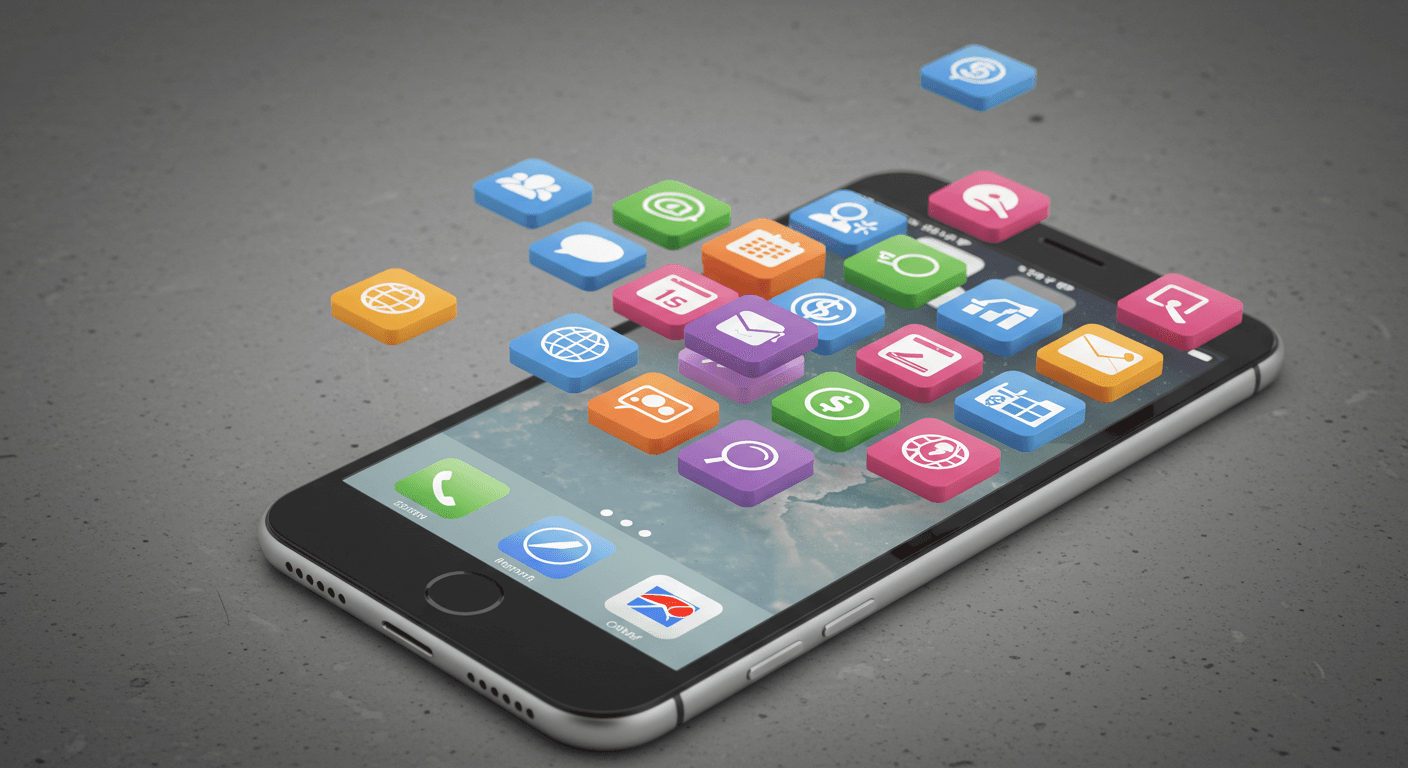
College life is a whirlwind of classes, assignments, social activities, and personal growth. Keeping everything organized and staying on top of your responsibilities can feel like a constant juggling act. Thankfully, your smartphone can be much more than just a tool for communication and entertainment; with the right selection of apps, it can become your most valuable ally in navigating the demands of higher education. From managing your schedule and tackling tough assignments to staying healthy and managing your finances, a smart digital toolkit can make all the difference. This guide highlights the must-have mobile apps that every college student should consider downloading to enhance productivity, streamline learning, and make the most of their university experience.
Staying Organized and Productive
Effective organization is key to academic success. These apps help you manage your time, tasks, and notes efficiently:
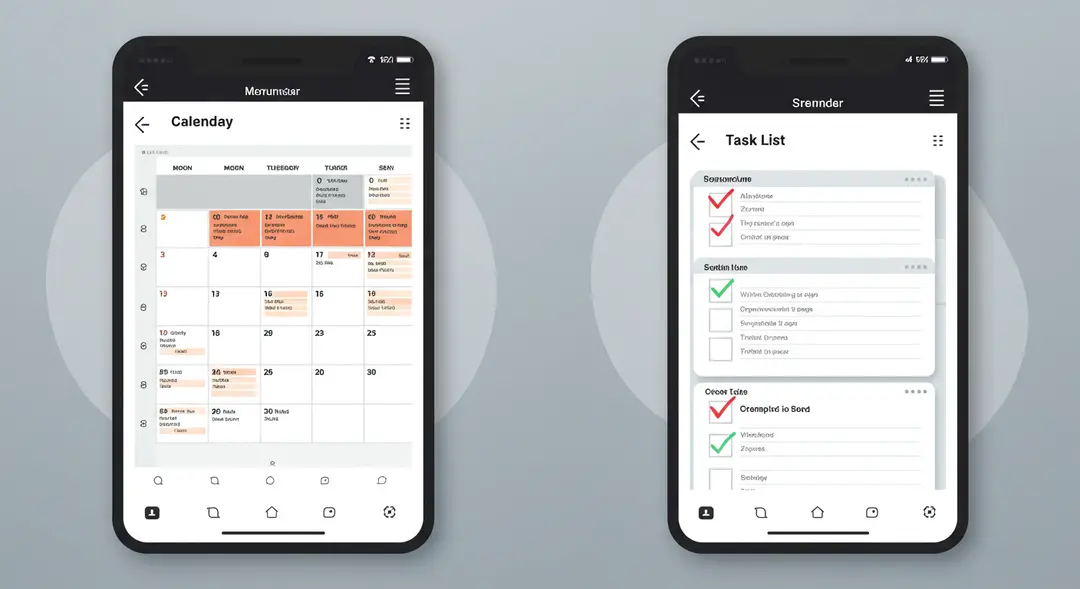
Calendar App (Google Calendar, Apple Calendar): A reliable calendar is non-negotiable. Use it to input all your class schedules, assignment due dates, exam dates, club meetings, and social events. Set reminders to ensure you never miss an important deadline or appointment. Synchronizing it across devices keeps your schedule accessible everywhere.
Task Management App (Todoist, Microsoft To Do, TickTick): Break down large assignments into smaller, actionable tasks. These apps let you create to-do lists, set deadlines, add subtasks, prioritize items, and track your progress. Some even offer features like recurring tasks and integrations with calendars.
Note-Taking App (Evernote, Microsoft OneNote, Notion): Ditch the stacks of paper and organize your notes digitally. These apps allow you to create notes with text, images, audio recordings, and even scanned documents. Organize notes by class or subject, search easily, and sync across your devices for access in lectures, study sessions, or on the go. Notion also combines notes with databases and project management features, making it a versatile workspace.
Enhancing Your Study and Learning
Beyond organization, specific apps can directly support your studying and learning processes:
Flashcard App (Quizlet, Anki): Master vocabulary, concepts, and facts using digital flashcards. These apps often employ spaced repetition systems (SRS) to optimize your memorization by showing you cards just before you're about to forget them. You can create your own flashcard sets or use sets created by others.
Focus and Time Management (Forest, Focus Keeper, Tide): Combat distractions and stay focused during study sessions. Apps like Forest use a gamified approach where a virtual tree grows while you stay off your phone; if you leave the app, the tree dies. Others utilize the Pomodoro Technique (work for a set time, then take a short break) to structure your study periods.
Academic Resources (Khan Academy, Coursera, Chegg Study): Access supplementary learning materials, video lectures, and homework help. While not replacements for your coursework, these platforms can offer alternative explanations, practice problems, or step-by-step solutions to aid your understanding of challenging subjects.

Managing Finances and Well-being
College is also a time to develop essential life skills, including managing your money and taking care of your mental and physical health:
Budgeting App (Mint, PocketGuard, Goodbudget): Keep track of your income and expenses to stay within your budget. These apps can link to your bank accounts, automatically categorize transactions, help you set spending limits, and visualize where your money is going. Essential for managing student loans, part-time job income, and daily expenses.
Mindfulness and Well-being (Headspace, Calm): College can be stressful. These apps offer guided meditations, breathing exercises, and sleep stories to help you manage stress, reduce anxiety, and improve focus and sleep quality. Taking care of your mental health is just as important as academics.

Essential Utilities and Campus Life
Several utility apps can simplify daily life on campus and beyond:
Cloud Storage (Google Drive, Dropbox, OneDrive): Store your documents, photos, and project files securely in the cloud. This ensures you can access them from any device, makes it easy to share files with classmates for group projects, and provides a crucial backup in case of device failure.
Communication (WhatsApp, GroupMe): Stay connected with classmates for group projects, study groups, or social plans. Group messaging apps are essential for quick coordination and staying in the loop.
Navigation (Google Maps, Apple Maps): Navigate campus, find your classes, explore the surrounding town, and get directions for errands or social outings. Real-time traffic and public transport information can be invaluable.
Scanning App (Microsoft Lens, Adobe Scan): Quickly scan documents, व्हाइटबोर्ड notes, or textbook pages using your phone's camera, converting them into searchable PDFs. Useful for digitizing handouts or sharing notes.
Conclusion
Equipping yourself with the right mobile apps can significantly enhance your college experience, making you more organized, productive, and prepared to tackle academic challenges. From keeping your schedule in check and mastering complex subjects to managing your finances and prioritizing your well-being, the apps listed above offer valuable tools for every aspect of student life. Building your essential digital toolkit is a smart step towards academic success and a less stressful college journey. Explore these options and customize your phone to become the ultimate college companion. What apps have been most essential for your college experience?
Leave a Comment
Your email address will not be published.
4 Comments
Williams Thompson
May 3, 2025
Drones are getting so smart these days, I'm starting to feel like mine’s judging my driving from the sky. On a serious note though, amazing to see how far drone tech has come. Next stop: drone pizza delivery, I hope!
Williams Thompson
May 3, 2025
Drones are getting so smart these days, I'm starting to feel like mine’s judging my driving from the sky. On a serious note though, amazing to see how far drone tech has come. Next stop: drone pizza delivery, I hope!
Williams Thompson
May 3, 2025
Drones are getting so smart these days, I'm starting to feel like mine’s judging my driving from the sky. On a serious note though, amazing to see how far drone tech has come. Next stop: drone pizza delivery, I hope!
Williams Thompson
May 3, 2025
Drones are getting so smart these days, I'm starting to feel like mine’s judging my driving from the sky. On a serious note though, amazing to see how far drone tech has come. Next stop: drone pizza delivery, I hope!
Explore More Categories





Explore More Sub-Categories