Beginner's Guide to HTML and CSS
The foundational languages of the web.

Zero Logic Space
Software & Development Central
Web Development Tutorials & Trends
SHARE
Beginner's Guide to HTML and CSS
The Foundation of Web Development

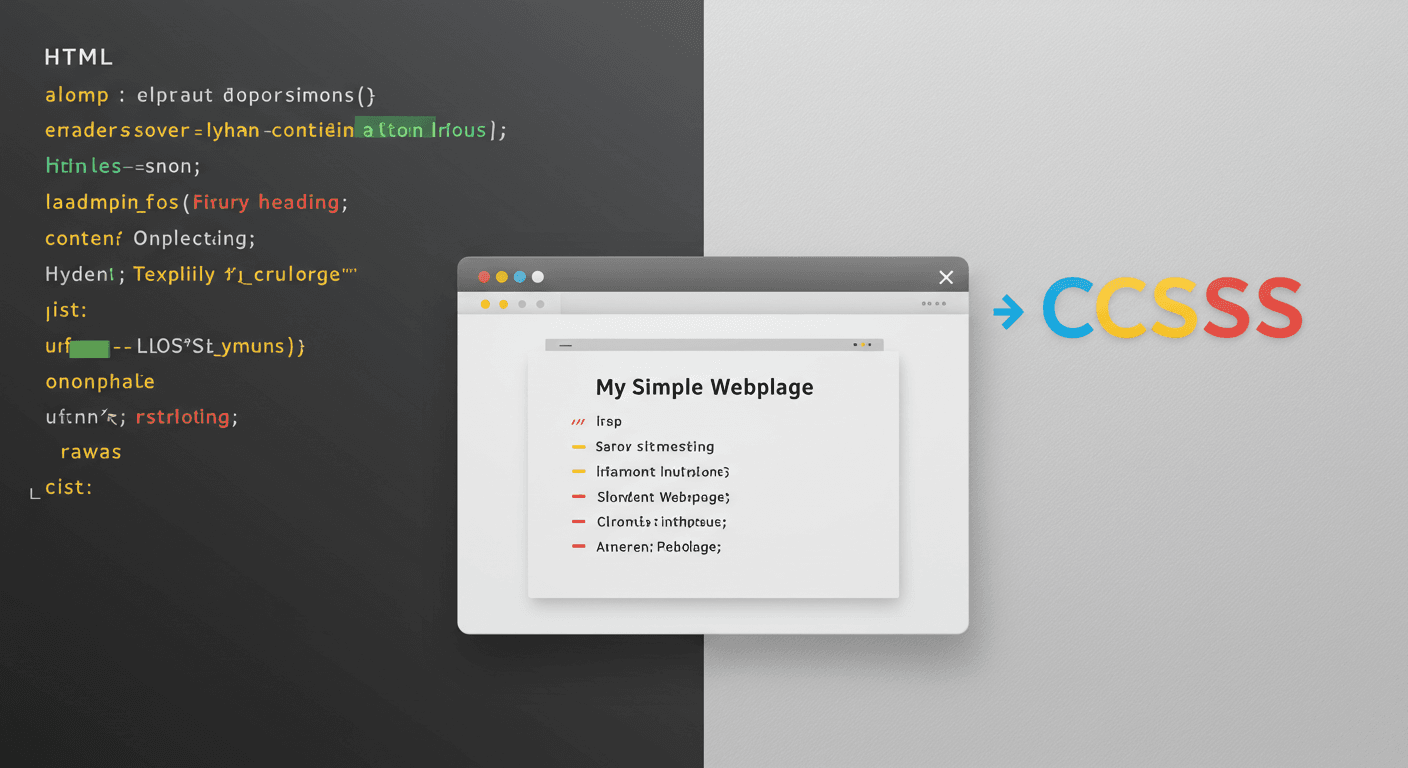
Dreaming of creating your own website? Every impressive site you visit, from simple blogs to complex online applications, is built upon a foundation of two essential languages: HTML and CSS. These aren't programming languages in the traditional sense, but rather markup and style sheet languages that tell your web browser how to structure and present content. For anyone looking to get into web development, understanding HTML and CSS is the absolutely crucial first step. This beginner's guide will introduce you to these foundational technologies, explaining what each does, how they collaborate to bring web pages to life, and cover the basic concepts you need to start building your very own corner of the internet. Let's embark on your web development journey!
What Exactly Are HTML and CSS?
Think of building a website like building a house.
HTML (HyperText Markup Language): This is the structure of your house. HTML is used to create the content and define its structure. It determines what elements are on the page (like headings, paragraphs, images, links, lists, etc.) and organizes them logically. HTML provides the framework, the skeleton, but it doesn't dictate how it looks.
CSS (Cascading Style Sheets): This is the styling and appearance of your house. CSS is used to control the layout, colors, fonts, spacing, and overall visual presentation of the HTML elements. It takes the structure created by HTML and makes it look appealing, determining the paint colors, furniture arrangement, and decorative details.
Separating structure (HTML) from presentation (CSS) is a core principle of modern web design, making websites easier to build, maintain, and adapt for different devices.

HTML Basics: Structure and Content
HTML documents are made up of elements, which are the building blocks of a web page. Elements are typically represented by tags. A tag is written with angle brackets, like <p> for a paragraph. Most elements have an opening tag and a closing tag (which includes a forward slash, like </p>), with the content placed in between.
The basic structure of an HTML document looks like this:
HTML
<!DOCTYPE html> <html> <head> <meta charset="UTF-8"> <title>Your Page Title</title> </head> <body> <h1>This is a Heading</h1> <p>This is a paragraph.</p> <img src="image.jpg" alt="Description of image"> <a href="https://www.example.com">This is a link</a> </body> </html> |
<!DOCTYPE html>: Declares the document type.
<html>: The root element that wraps all other content.
<head>: Contains metadata about the HTML page, like the title that appears in the browser tab and links to CSS files. This content isn't visible on the page itself.
<body>: Contains all the content that will be visible to the user in the browser window.
<h1>, <p>, <img>, <a>: Examples of common HTML tags for headings, paragraphs, images, and links, respectively.

CSS Basics: Styling and Presentation
CSS rules tell the browser how to style HTML elements. A basic CSS rule consists of a selector and a declaration block.
CSS
selector { property: value; property: value; } |
Selector: This targets the HTML element(s) you want to style. Examples include targeting elements by their tag name (e.g., p for all paragraphs), by a class (e.g., .my-class for elements with class="my-class"), or by an ID (e.g., #my-id for the element with id="my-id").
Declaration Block: This is enclosed in curly braces {} and contains one or more declarations.
Declaration: This sets a property of the selected element to a specific value. Properties are aspects you can style (like color, font-size, margin, padding), and values are the settings for those properties (like blue, 16px, 10px). Each declaration ends with a semicolon ;.
Example CSS:
CSS
body { font-family: Arial, sans-serif; margin: 0; } h1 { color: navy; text-align: center; } p { font-size: 16px; line-height: 1.5; } .highlight { background-color: yellow; font-weight: bold; } |
This CSS would style the <body>, <h1>, and <p> elements, and any element with the class highlight.

Bringing Them Together: How HTML and CSS Work
HTML and CSS work hand-in-hand. The HTML provides the content and structure, and the CSS provides the instructions on how that structure should look. To apply CSS styles to an HTML document, you need to link the CSS file to the HTML file. The most common and recommended way is to use an external stylesheet.
You create a separate text file with a .css extension (e.g., styles.css) and write all your CSS rules in it. Then, in the <head> section of your HTML document, you add a <link> tag that points to your CSS file:
HTML
<head> <meta charset="UTF-8"> <title>Your Page Title</title> <link rel="stylesheet" href="styles.css"> </head> |
The rel="stylesheet" attribute specifies the relationship between the HTML and the linked file (it's a stylesheet), and the href="styles.css" attribute provides the path to the CSS file. When the browser loads the HTML page, it sees this link, fetches the styles.css file, and applies the rules within it to the corresponding HTML elements, bringing your styled web page to life.

Getting Started
Ready to start coding? You don't need expensive software. All you need is a simple text editor (like VS Code, Sublime Text, Atom, or even Notepad) to write your HTML and CSS code, and a web browser (like Chrome, Firefox, or Edge) to view your creations.
Open your text editor and create a new file.
Write the basic HTML document structure.
Save the file with an .html extension (e.g., index.html).
Create another new file for your CSS.
Write some basic CSS rules targeting your HTML elements.
Save this file with a .css extension (e.g., styles.css) in the same folder as your HTML file.
Add the <link> tag to your HTML file's <head> section, making sure the href matches your CSS filename.
Open your .html file in your web browser by double-clicking it. You should see your content styled by your CSS!
Start by experimenting with basic tags and CSS properties. There are tons of free online resources and tutorials available to help you learn more.
Conclusion
HTML and CSS are the fundamental building blocks of the web. HTML provides the essential structure and content, while CSS provides the styling and visual flair. Understanding how these two languages work independently and together is the critical first step in becoming a web developer. With just a text editor and a browser, you can start writing code today and see your creations come to life. Don't be intimidated; start with the basics, practice regularly, and gradually explore more advanced concepts. The world of web development is vast and exciting, and your journey begins here, with HTML and CSS. What element or style are you excited to try first?
Leave a Comment
Your email address will not be published.
4 Comments

Williams Thompson
May 3, 2025
Drones are getting so smart these days, I'm starting to feel like mine’s judging my driving from the sky. On a serious note though, amazing to see how far drone tech has come. Next stop: drone pizza delivery, I hope!
Williams Thompson
May 3, 2025
Drones are getting so smart these days, I'm starting to feel like mine’s judging my driving from the sky. On a serious note though, amazing to see how far drone tech has come. Next stop: drone pizza delivery, I hope!
Williams Thompson
May 3, 2025
Drones are getting so smart these days, I'm starting to feel like mine’s judging my driving from the sky. On a serious note though, amazing to see how far drone tech has come. Next stop: drone pizza delivery, I hope!
Williams Thompson
May 3, 2025
Drones are getting so smart these days, I'm starting to feel like mine’s judging my driving from the sky. On a serious note though, amazing to see how far drone tech has come. Next stop: drone pizza delivery, I hope!
Explore More Categories







Explore More Sub-Categories